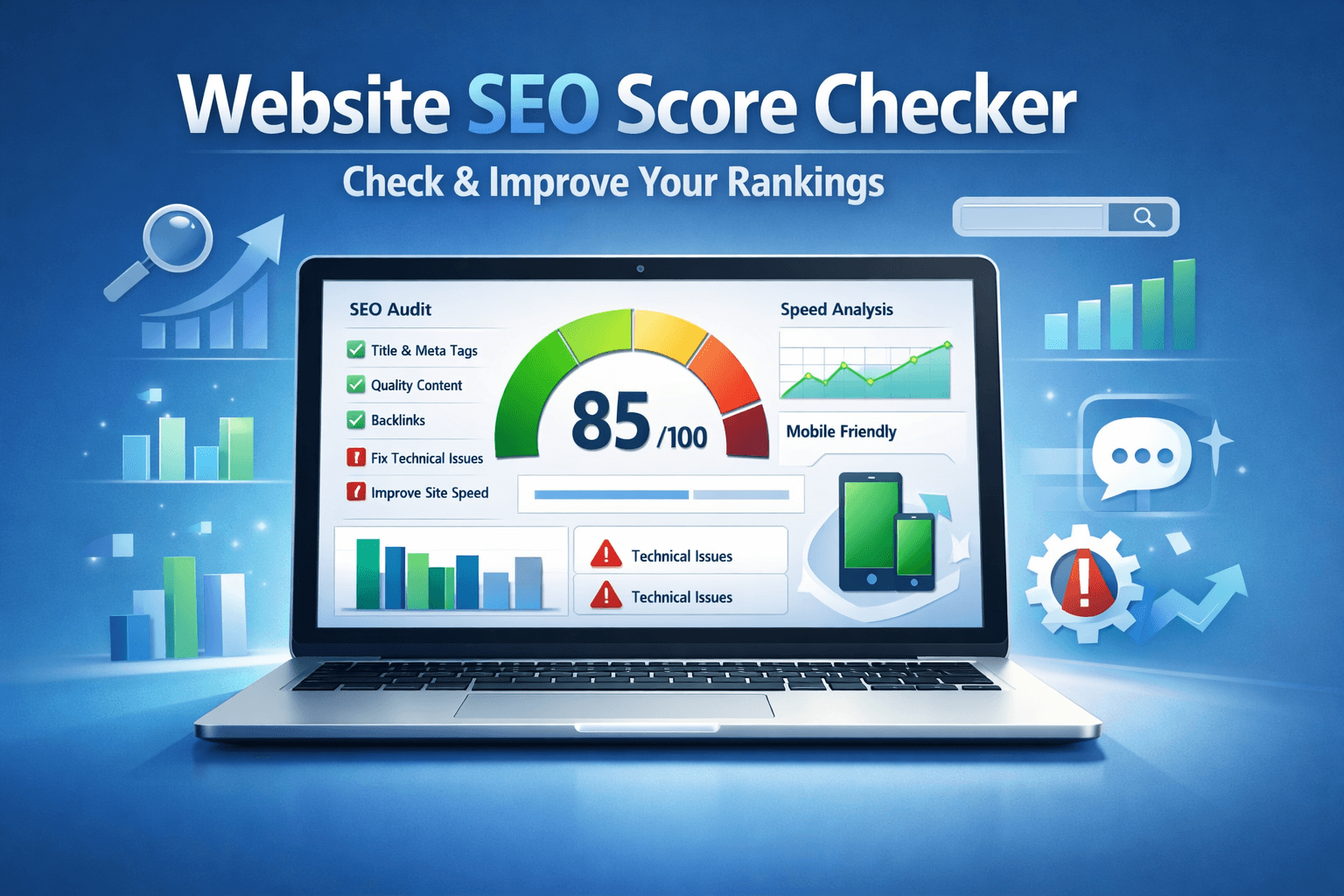

How to Check and Improve Your Website SEO Score (Free Tools)

1770875184

If you've ever used a website SEO score checker, you've probably seen a number like 72/100 or 89/100 and wondered  what does that actually mean? And more importantly, how do I improve it?


Your website's SEO score is a quick indicator of how well your site is optimized for search engines. While it's not the only factor that determines rankings, it gives you a measurable starting point.


In this guide, you'll learn:

  • What a website SEO score really means
  • How SEO score checkers work
  • The best free tools to analyze your site
  • Step-by-step ways to improve your SEO score

Let's break it down.


What Is a Website SEO Score?

A website SEO score is a numerical representation (usually out of 100) that evaluates how optimized your website is for search engines.

It typically measures:

  • On-page SEO factors
  • Technical SEO health
  • Website performance
  • Mobile usability
  • Security (HTTPS)
  • Basic backlink signals

Think of it as a health check for your website.


What Is a Good SEO Score?

  • 90-100: Excellent (well-optimized)
  • 75-89: Good but needs refinement
  • 50-74: Moderate, requires improvements
  • Below 50: Significant SEO issues

However, remember: an SEO score is a benchmark not a guarantee of rankings.


How Website SEO Score Checkers Work

A website SEO score checker uses automated crawlers to analyze your website similarly to how Google bots crawl pages.

Here's what happens behind the scenes:


1. Website Crawling

The tool scans your URL and checks:

  • Title tags
  • Meta descriptions
  • Header structure (H1–H6)
  • Internal links
  • Broken links

2. Technical SEO Audit

It evaluates:

  • XML sitemap presence
  • Robots.txt configuration
  • Canonical tags
  • Redirect chains
  • Indexability

For deeper technical guidelines, refer to the official
👉 Google SEO best practices guide

3. Performance & Speed Testing

Many SEO score checkers integrate performance data from tools like:

👉 Free website speed and performance test

Speed is a direct ranking factor under Google's Core Web Vitals update.

4. Security & Mobile Analysis

  • HTTPS status
  • Mobile responsiveness
  • Viewport configuration

All of these combine into a final SEO score.


How to Check Your Website SEO Score (Step-by-Step)

Checking your SEO score takes less than 5 minutes.


Step 1: Use a Reliable Website SEO Score Checker

Start with a comprehensive tool like:

👉 Free website SEO score checker tool

These tools provide:

  • Instant audit reports
  • Technical error breakdown
  • Optimization suggestions

Step 2: Analyze On-Page SEO

Check:

  • Is your primary keyword in the title tag?
  • Are headings structured properly?
  • Are images optimized with alt text?

Step 3: Review Technical Errors

Look for:

  • Broken internal links
  • Missing meta descriptions
  • Duplicate title tags
  • Slow-loading pages

Fixing technical issues often gives the fastest SEO score improvement.


Step 4: Check Page Speed & Core Web Vitals

Run your site through:

👉 Free website speed and performance test

Improve:

  • Image compression
  • Caching
  • Server response time

Step 5: Monitor Backlinks

Backlinks influence authority and SEO health.

You can use:

👉 Free backlink and technical SEO checker

Best Free Website SEO Score Checker Tools

Here are the most reliable free tools:


1. SEO Site Checker

Best for: Complete website SEO analysis

This tool provides:

  • Overall SEO health score
  • On-page analysis
  • Technical issue detection
  • Performance insights

Ideal for bloggers and small businesses who want quick diagnostics.

2. Google Search Console

Best for: Real search performance data

👉 https://search.google.com/search-console/

It shows:

  • Click-through rates
  • Ranking keywords
  • Index coverage
  • Manual penalties

While it doesn't show a “score,” it provides real Google data.

3. Google PageSpeed Insights

Best for: Performance-based SEO score

👉 https://pagespeed.web.dev/

It analyzes:

  • Core Web Vitals
  • Mobile performance
  • Speed optimization suggestions

4. Ahrefs Webmaster Tools (Free)

Best for: Backlink and technical audit

👉 https://ahrefs.com/webmaster-tools

Includes:

  • Site health score
  • Backlink analysis
  • Broken link detection

5. SEOptimer Free Audit

Best for: Beginner-friendly SEO grading

Offers:

  • Basic SEO score
  • Usability analysis
  • Social signals overview


What Affects Your Website SEO Score?

Improving your SEO score requires understanding ranking signals.


On-Page SEO Factors

  • Keyword placement
  • Title tags under 60 characters
  • Meta descriptions under 160 characters
  • Optimized headings
  • Internal linking structure

Technical SEO Factors

  • Crawlability
  • Indexability
  • Sitemap submission
  • Canonical tags
  • Structured data

Performance Signals

  • Page load speed
  • Core Web Vitals
  • Mobile-first design

Backlinks & Authority

High-quality backlinks increase your domain authority and improve SEO metrics.


How to Improve Your Website SEO Score

Here's a practical action plan.


1. Fix Technical Errors First

Technical errors have the biggest impact.

  • Remove broken links
  • Fix 404 pages
  • Update redirects
  • Submit XML sitemap

2. Optimize Title Tags & Meta Descriptions

Make sure:

  • Primary keyword appears naturally
  • Titles are compelling
  • Meta descriptions encourage clicks

Example:

Bad: Home Page
Good: Free Website SEO Score Checker - Analyze & Improve Your Site

3. Improve Page Speed

  • Compress images
  • Use lazy loading
  • Enable browser caching
  • Minify CSS & JavaScript

Speed improvements can increase both SEO score and user experience.

4. Strengthen Internal Linking

Link related articles using keyword-rich anchor text.

Example:

  • “website optimization tools”
  • “technical SEO audit guide”
  • “improve website ranking”

Internal links improve crawlability and authority distribution.

5. Build High-Quality Backlinks

Focus on:

  • Guest posting
  • Resource link building
  • Outreach campaigns

Avoid spammy backlink schemes they hurt your SEO score.

6. Improve Content Quality

Google prioritizes:

  • Helpful content
  • Clear structure
  • Search intent alignment
  • Fresh, updated information

Updating thin content can significantly increase your SEO score.


SEO Score vs Actual Rankings

An SEO score is a guideline not a ranking guarantee.

You can have:

  • High SEO score but low traffic (if targeting wrong keywords)
  • Moderate SEO score but strong rankings (due to authority)

Focus on:

  • User experience
  • Content quality
  • Search intent

Common SEO Score Mistakes

  • Keyword stuffing
  • Ignoring mobile optimization
  • Obsessing over 100/100 score
  • Not updating old content
  • Ignoring real Google Search Console data


Comparison Table

ToolFreeTechnical AuditBacklink DataBest For
SEO Site CheckerYesYesBasicFull audit
Search ConsoleYesPartialNoReal data
PageSpeedYesPerformanceNoSpeed
Ahrefs WMTYesYesYesBacklinks


Final Thoughts

Using a website SEO score checker is one of the easiest ways to evaluate your website's health. But remember, the goal isn't chasing a perfect number.

The goal is:

  • Better user experience
  • Faster loading pages
  • Clear site structure
  • Valuable content
  • Strong authority

If you consistently audit and improve your site using the right tools, your SEO score  and your rankings  will naturally improve.


Frequently Asked Questions

What is a good SEO score for a website?
A score above 80 is generally considered good. However, rankings depend on content quality and competition level.
How can I check my website SEO score for free?
Use a free website SEO score checker tool like SEO Site Checker, Google Search Console, or Ahrefs Webmaster Tools.
Does SEO score affect Google rankings?
Indirectly. SEO score reflects optimization quality, which influences rankings but it is not an official Google metric
How often should I check my SEO score?
At least once per month, or after major website updates.
Why is my SEO score low?
Common reasons include: Missing meta tags, Slow website speed, Broken links and Poor mobile optimization
Can I improve SEO score without backlinks?
Yes, by optimizing on-page and technical SEO. However, backlinks help boost authority and rankings.
No Tags

Comments (0)

Related Blog

1771383846
Website Management Tools
  • 18 Feb 2026
  • 185
  • 0 Comment

How QR Codes Are Boosting Offline-to-Online Marketing

Marketing is no longer split between “offline” and “online”. Today, the brands that win are the ones that connect both worlds seamlessly. One of the simplest yet most powerful tools making that connection possible is the QR code. From restaurant...


1771343247
Website Management Tools
  • 17 Feb 2026
  • 232
  • 0 Comment

Free IP & DNS Lookup Tools Every Webmaster Should Know

If you manage a website whether it's a blog, SaaS platform, eCommerce store, or agency project understanding IP addresses and DNS records is no longer optional. IP and DNS issues are behind many common problems: Website not loadingDomain not resolvingEmails...

1771325654
Text Analysis Tools
  • 17 Feb 2026
  • 242
  • 0 Comment

How OCR Tools Save Time for Content Creators

In today's content-driven world, speed matters just as much as quality. Bloggers, marketers, researchers, and small business owners constantly work with screenshots, scanned documents, PDFs, and image-based text. Manually typing content from these sources wastes valuable time. That's where OCR...


,