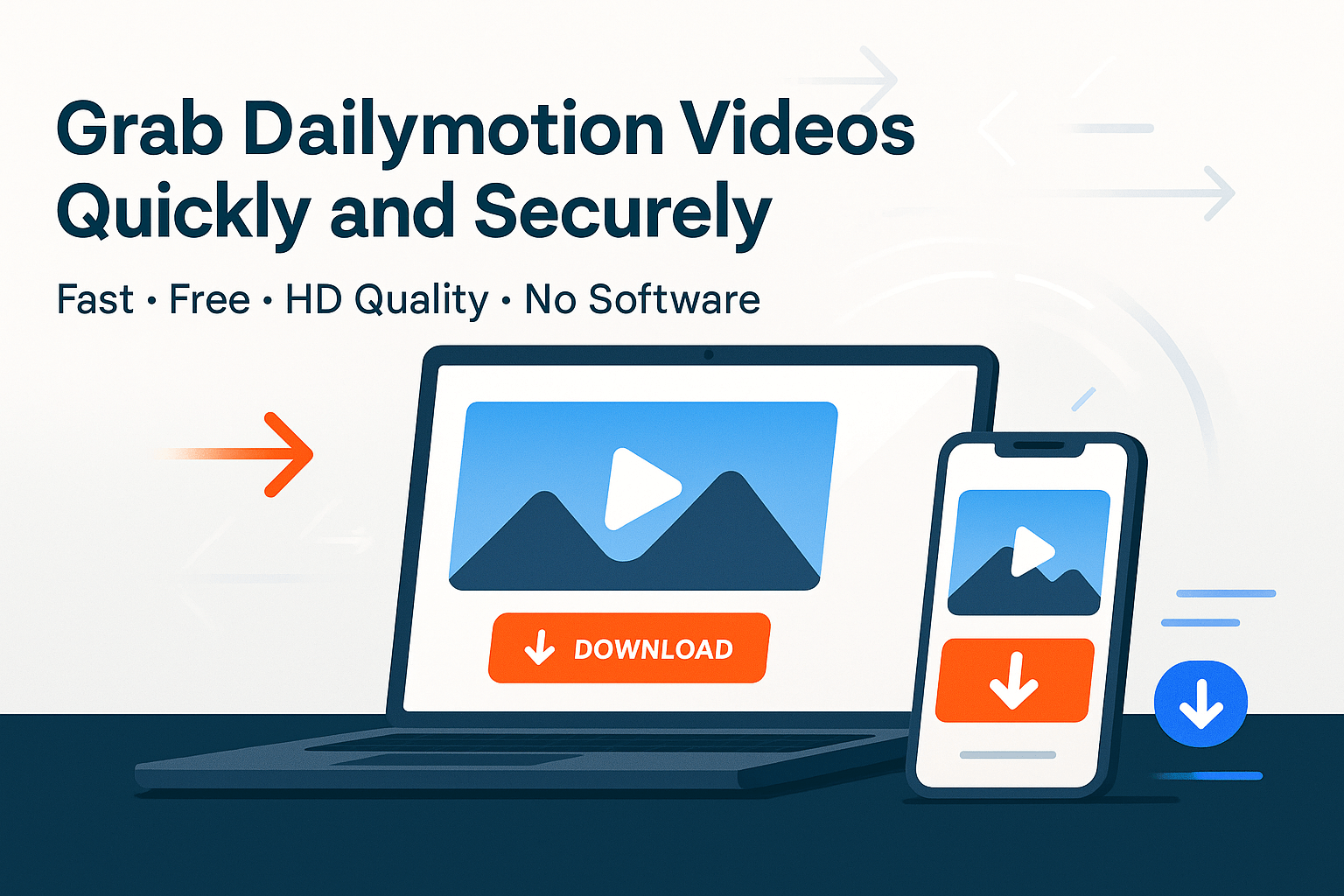

With millions of active creators and publishers, Dailymotion hosts an incredible variety of content — documentaries, music videos, reviews, tutorials and independent films. However, while you can stream everything easily, saving a copy for offline access isn't always straightforward.
There are several reasons users want to download Dailymotion videos:
Dailymotion allows you to download only videos you've uploaded yourself. According to Dailymotion's official policy, most public videos can't be downloaded directly through the platform. That's why safe, browser-based downloaders have become essential tools for both casual viewers and professionals.
Not all downloaders are equal. Some clutter their pages with pop-ups or require extra installations that can risk your privacy. A good Dailymotion video downloader should combine speed, safety and simplicity.
Here's what to look for:
1. No software installation required. A reliable downloader runs entirely online. You paste a link, select your preferred quality and download directly — no apps, no plug-ins and no ads that slow you down.
2. High-quality output. It should allow you to download videos in MP4 format, ideally with HD options such as 720p or 1080p. That ensures crisp playback and compatibility with nearly any device.
3. Cross-platform compatibility. The tool should work smoothly on mobile devices, tablets and desktops, across browsers like Chrome, Firefox or Safari.
4. Secure and private. A trustworthy downloader won't ask for account access or track your downloads. Sites using HTTPS encryption are the safest options.
5. Clean, simple interface. A fast, intuitive design ensures that you can paste, click and save within seconds, no unnecessary steps.
The Dailymotion Video Downloader by SEO Site Checker meets all of these criteria, offering a lightweight yet powerful solution for everyday users and professionals alike.
Downloading from Dailymotion takes less than a minute when you use the right tool. Follow these simple steps:
Step 1: Copy the video URL.
Open the Dailymotion video you want to save. Click “Share,” then select “Copy link”. On desktop browsers, you can copy the URL directly from the address bar.
Step 2: Go to the downloader tool.
Open SEO Site Checker's Dailymotion Video Downloader. You'll see a clear box prompting you to paste your video link.
Step 3: Paste the link and click “Download”.
The system fetches video details and processes your download within seconds. You can choose your preferred format and resolution before saving.
Step 4: Save to your device.
Once processed, the video appears as a downloadable MP4 file. You can now play it offline or move it to any folder you prefer.
Optional: For social-media creators, SEO Site Checker also offers related tools try the TikTok Video Downloader, Instagram Video Downloader or Vimeo Video Downloader to save content across platforms.
When you download videos, quality options depend on the original upload. Dailymotion typically supports several resolutions from 360p standard definition to 1080p full HD. The downloader fetches whatever source quality is available for that file.
All videos are saved in MP4 format by default. This ensures the best compatibility across devices, whether you're watching on mobile, editing on a PC or embedding in a presentation. The MP4 format maintains a balance between high video quality and manageable file size.
If a particular video doesn't offer HD quality, that's usually because the uploader posted it in lower resolution. The downloader cannot upscale beyond what's available on Dailymotion's servers.
Even with a reliable online tool, issues can occasionally arise. Here are a few common problems and how to solve them:
Video doesn't download: The most common reason is a broken or private link. Make sure the video is public and the copied URL is complete.
Low video quality: The original upload may only exist in 480p or lower. Try selecting a different version if available.
No sound or partial download: Refresh the downloader page or try again in an incognito window to avoid cached scripts blocking the process.
Mobile download not starting: On some iPhones or Android devices, the browser may restrict direct saving. Long-press the download link and select “Download Linked File”.
The advantage of SEO Site Checker's tool is its consistent performance. It automatically adapts to Dailymotion's backend updates, reducing failed downloads that are common with older, unmaintained tools.
This question comes up often. Downloading Dailymotion videos is legal for personal use such as offline viewing, research or classroom education but redistribution without permission can violate copyright. Dailymotion's own terms of service state that users must not re-upload or distribute others' content without consent.
If you're downloading a tutorial or documentary to learn from, that's fine. But if you plan to reuse the footage publicly, always credit the original creator or seek permission. Respect for intellectual property supports the creative ecosystem that platforms like Dailymotion depend on.
Unlike most generic downloaders, this tool is part of a larger SEO utility suite built for reliability, speed and simplicity. The SEO Site Checker Dailymotion Downloader gives users a clean interface, safe HTTPS connection and direct file delivery with no ads or misleading buttons.
Its biggest strengths include:
Because it's integrated into the SEO Site Checker ecosystem, you can easily access similar utilities for Vimeo, Instagram or TikTok, streamlining your workflow across platforms.
Downloading from Dailymotion doesn't have to be complicated. With modern browser-based tools, you can grab your favorite videos safely, quickly and in the best available quality. All without worrying about hidden software or malware risks.
The SEO Site Checker Dailymotion Video Downloader offers a reliable, ad-free way to save Dailymotion content for offline study, research or inspiration. Its simplicity and security make it ideal for both beginners and professionals who value convenience and privacy.
Use it responsibly, respect creators' rights and enjoy the freedom of watching your favorite videos anytime, anywhere, securely and effortlessly.

Marketing is no longer split between “offline” and “online”. Today, the brands that win are the ones that connect both worlds seamlessly. One of the simplest yet most powerful tools making that connection possible is the QR code. From restaurant...

If you manage a website whether it's a blog, SaaS platform, eCommerce store, or agency project understanding IP addresses and DNS records is no longer optional. IP and DNS issues are behind many common problems: Website not loadingDomain not resolvingEmails...
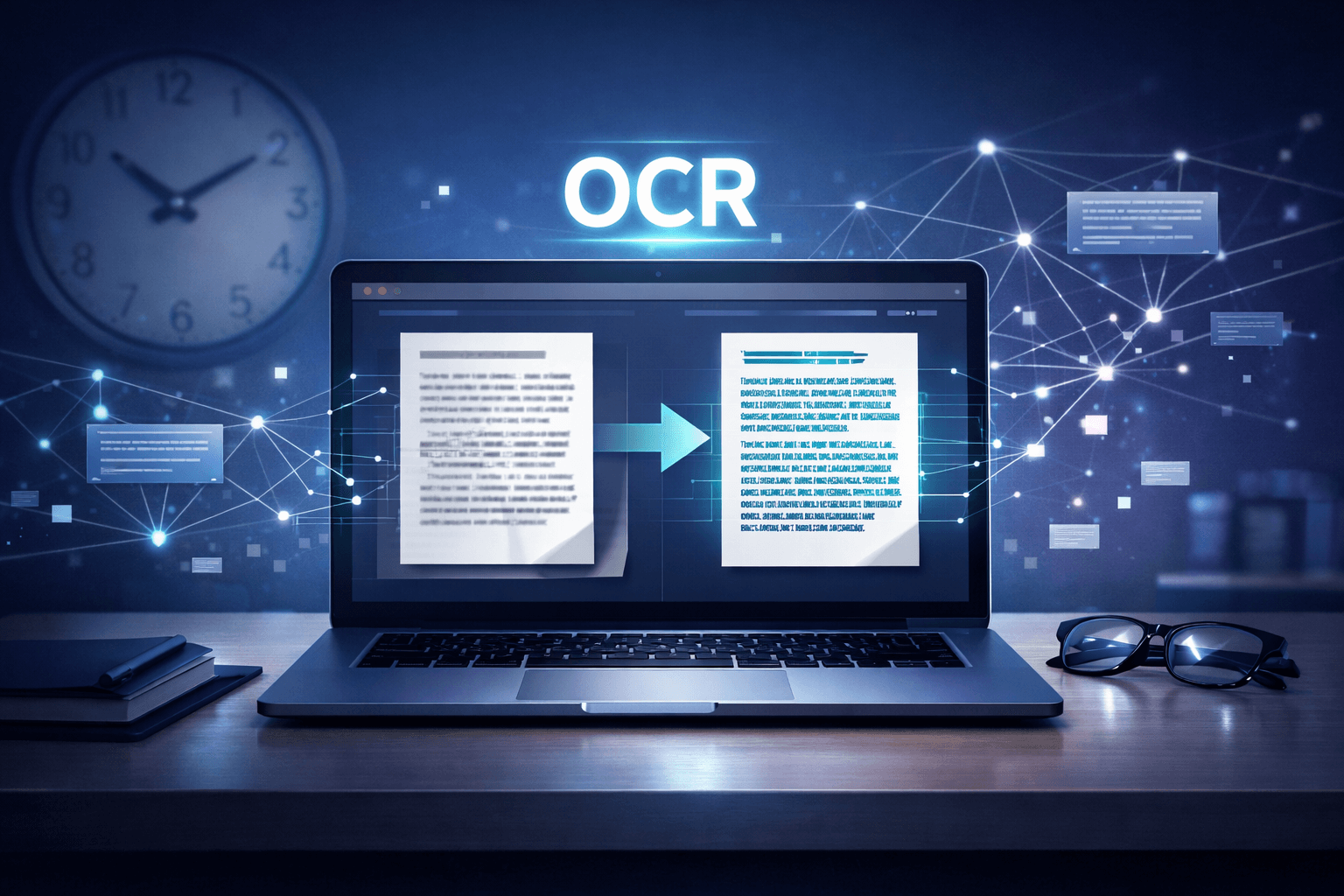
In today's content-driven world, speed matters just as much as quality. Bloggers, marketers, researchers, and small business owners constantly work with screenshots, scanned documents, PDFs, and image-based text. Manually typing content from these sources wastes valuable time. That's where OCR...
Comments (0)