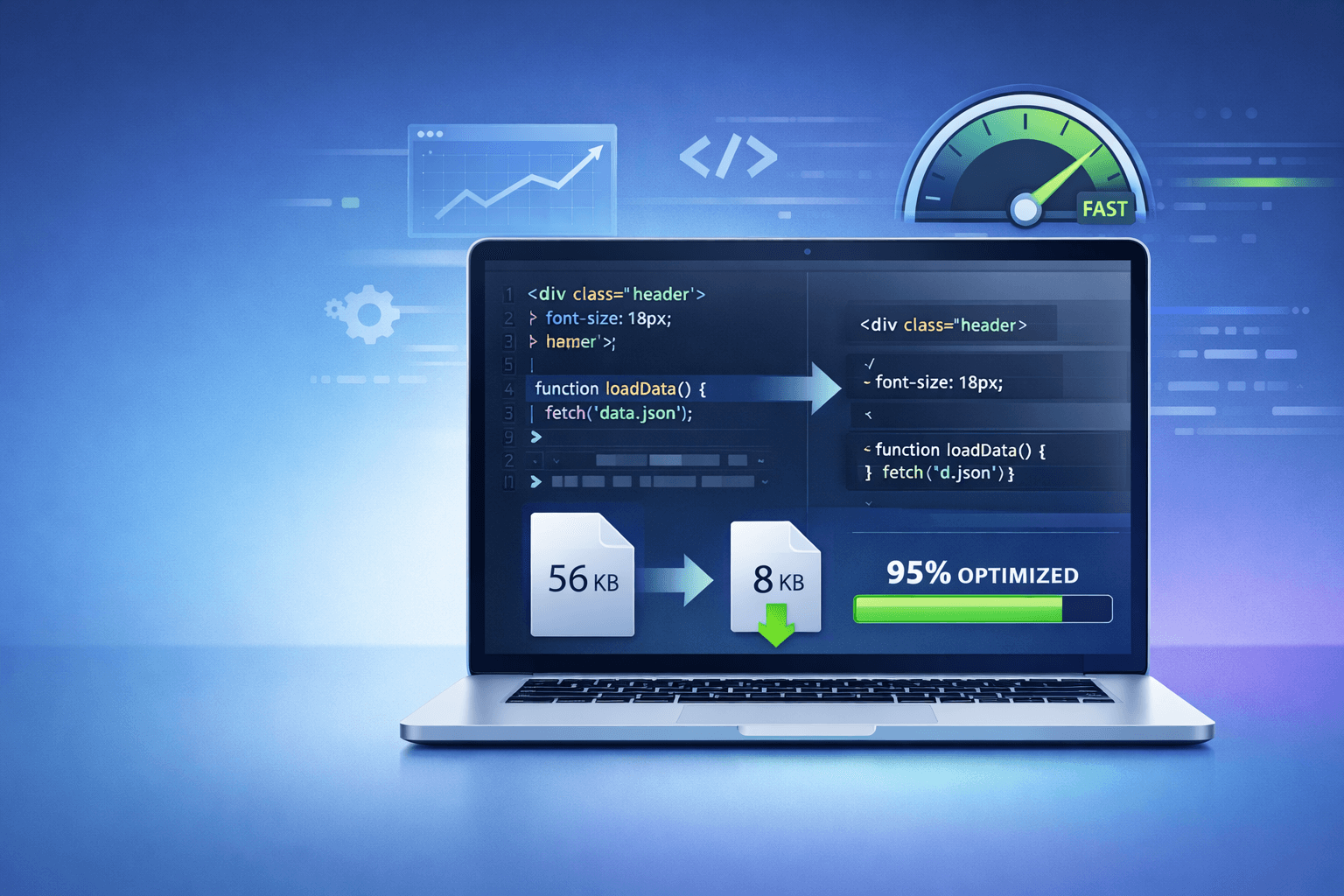

Website speed is no longer optional. In today's competitive digital space, even a one-second delay can reduce conversions, increase bounce rates, and hurt search rankings. Whether you run a blog, business site, or eCommerce store, performance directly impacts visibility and revenue.
That's where online minifier tools come in.
Minification is one of the easiest and most effective ways to optimize your website without changing design or functionality. When combined with other free website management tools, it can dramatically improve load time and user experience.
Let's break down how it works and why every website owner should use it.
Google has made performance a ranking factor through Core Web Vitals. Metrics like Largest Contentful Paint (LCP), First Input Delay (FID), and Cumulative Layout Shift (CLS) directly affect search visibility.
You can test your site performance using Google PageSpeed Insights performance analysis.
If your score is low, chances are your CSS, JavaScript, or HTML files are too heavy.
This is where minification plays a key role.
Online minifier tools are web-based utilities that reduce file size by removing unnecessary characters from your code without affecting functionality.
They typically optimize:
Minification removes:
For example:
Before Minification
After Minification
Same result fewer bytes.
If you're already using tools like a Website SEO Score Checker or an HTML Viewer, minification should be part of that optimization workflow.
When files are smaller, browsers download them faster. This reduces load time especially important for mobile users on slower connections.
Browsers read and execute smaller files more efficiently. Less code means less processing time.
Smaller files consume less bandwidth, which improves hosting efficiency and reduces resource strain.
Minified CSS and JavaScript reduce render-blocking resources, which can improve:
Pairing minification with gzip compression provides even stronger performance gains.
Most minifier tools follow this process:
Advanced tools also:
If you want to understand the technical side deeper, check how minification works in web development (MDN).
If you're managing a WordPress site or static website, here are essential tools to include in your workflow:
Reduces style file size instantly.
Ideal for improving visual rendering speed.
Try Now: CSS Minifier
Optimizes script execution and reduces blocking time.
Try Now: JavaScript Minifier
Shrinks markup and improves initial page load.
Try Now: HTML Minifier
Some platforms allow CSS + JS minification together for better performance optimization.
If you use WordPress, many caching plugins include built-in minification features.
Minification works best when used alongside:
This creates a complete website management ecosystem.
Always test changes in a staging environment before deploying live.
While minification itself isn't a ranking factor, page speed is.
Google confirms that performance impacts search rankings. When your website loads faster:
For deeper technical performance guidelines, review performance optimization techniques by W3C.
When combined with:
Minification becomes part of a complete SEO strategy.
Some scripts break if improperly compressed.
Solution: Enable safe mode or preserve critical variables.
Aggressive minification can remove necessary formatting.
Solution: Test thoroughly before deployment.
Minified files are harder to read.
Solution: Use source maps when available.
Minification is not a one-time fix, it's part of ongoing website management.
| Tool Type | Best For | Benefit |
|---|---|---|
| CSS Minifier | Style Sheets | Faster visual rendering |
| JS Minifier | Scripts | Reduced blocking time |
| HTML Minifier | Markup | Smaller DOM size |
| Combined Tools | Full Optimization | Comprehensive performance boost |
| WordPress Plugins | Automated Sites | Continuous optimization |
Online minifier tools are one of the simplest and most powerful performance improvements you can implement today.
They:
When integrated into a broader strategy that includes free website management tools, performance monitoring, and structured optimization, minification becomes a core part of technical SEO success.
If your website feels slow, start by optimizing your CSS, JavaScript, and HTML files, you may see instant improvements.

Marketing is no longer split between “offline” and “online”. Today, the brands that win are the ones that connect both worlds seamlessly. One of the simplest yet most powerful tools making that connection possible is the QR code. From restaurant...

If you manage a website whether it's a blog, SaaS platform, eCommerce store, or agency project understanding IP addresses and DNS records is no longer optional. IP and DNS issues are behind many common problems: Website not loadingDomain not resolvingEmails...

In today's content-driven world, speed matters just as much as quality. Bloggers, marketers, researchers, and small business owners constantly work with screenshots, scanned documents, PDFs, and image-based text. Manually typing content from these sources wastes valuable time. That's where OCR...
Comments (0)